
| Paranormal Partners Web Log |
|
| Entry 009 | |
| 009 - Notable Meaning |
About two years ago I started keeping a journal of my paranormal activities and preparations. It became an obsession.
I started out using a Microsoft Word document.
Don't worry, I don't pay a monthly subscription fee for Microsoft 365. I bought the last version of Office I could find for a one-time price. It should work forever with no monthly fees. Never mind that I also paid for Microsoft Publisher at the same time and for the same reason and now they are sending me emails saying that it is going to stop working entirely later this year. That is a different subject.
I didn't like having to be at my home desktop computer to update the document. I don't want to carry a laptop computer around with me everywhere I go. So I transferred the file to Google Documents. This allowed me to edit my journal no matter where I was, at home, at work, or on my cell phone.
Until work decided to block Google Docs on our web browsers. Something about not wanting people to be able to open work documents on some other site. I guess I can see their reasoning, but it is inconvenient for me. I am back to only being able to see my journal and look up anything when I am at home.
I discovered that not all of the Google system is blocked. For instance I can still use Google Search. I further discovered that Google Keep is not blocked. This is a primarily note-taking web application with very limited formatting. To me, formatting isn't as important as being able to record my thoughts for posterity. So I started using Google Keep. Each note has a 20,000 character limit, so when I reach that, I just open another note. I started out with Notebook1, then Notebook2, etcetera, and now I am on Notebook20. I again have access to my notes at my home desktop computer, my work computer, and my cell phone. So far, work has not blocked Google Keep.
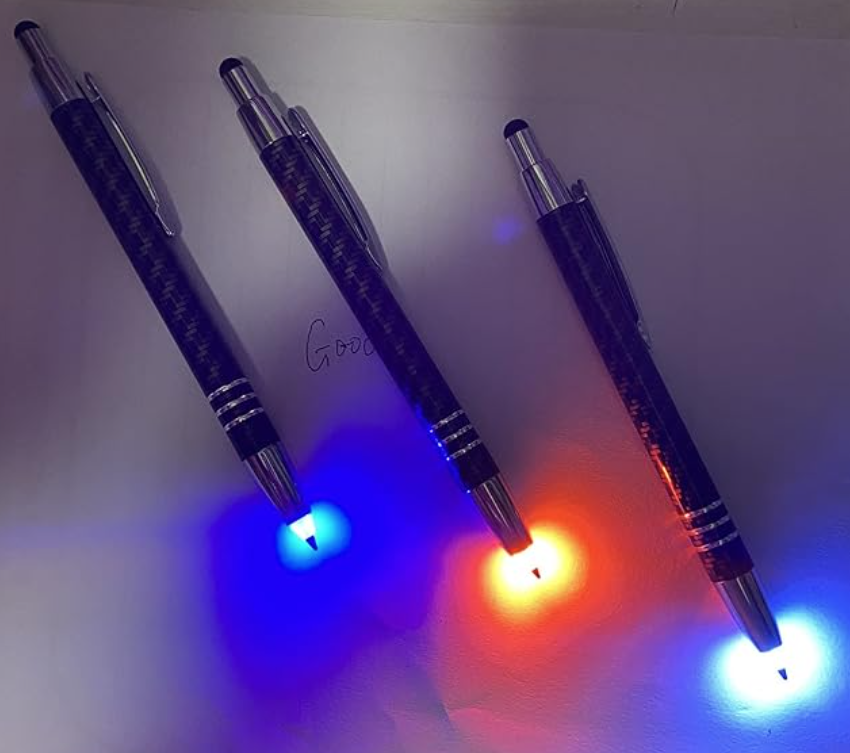
I found that when I am doing a paranormal investigation somewhere I need to take notes. Pecking out a lot of text (if you haven't noticed, I'm rather verbose) on my cell phone was frustrating. So I bought a hard-bound journaling notebook with a pen holder attached. Handwriting in it is much easier than typing on the virtual keyboard of my cell phone. I even found a pen that lights up when I click it so I can write in the dark during an investigation.
For a while, I was going over my handwritten notes and typing them into the computer for reference later. This seemed like a duplication of work. I figured out that after handwriting notes, I could take a picture of the pages with my phone, and the camera app would do text recognition on it and convert it to text that I could paste into Google Keep. No more duplication of work.
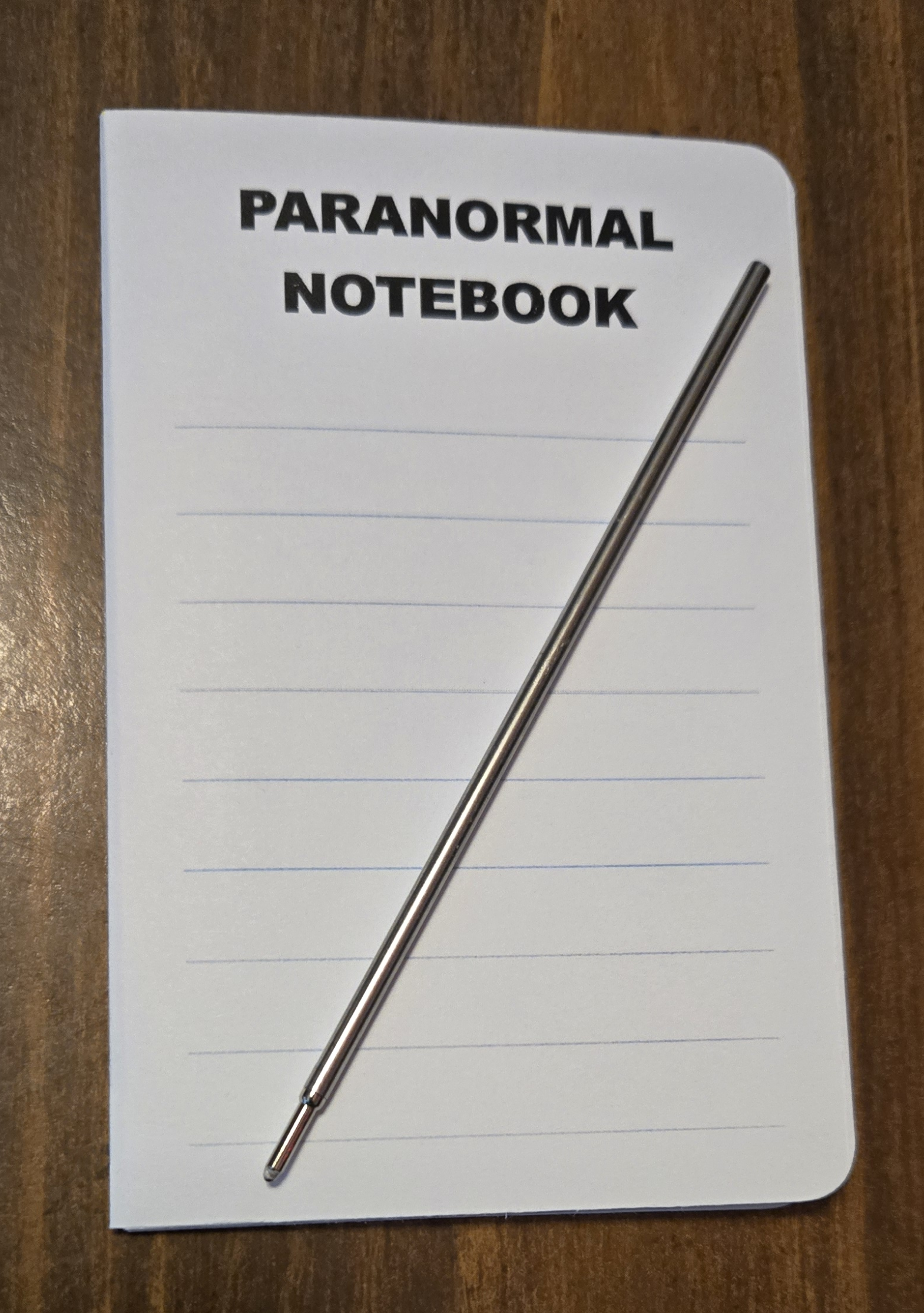
I also found that there are a lot of times I want to write something when I didn't have my hardbound journal with me. For a short time, I kept a tiny notebook and a pen refill in my wallet, so I could write anytime I wanted and still not have to peck out letters on my cell phone with my fat fingers. Again, I would take pictures of the pages, which were converted into words I could paste into my digital journal.
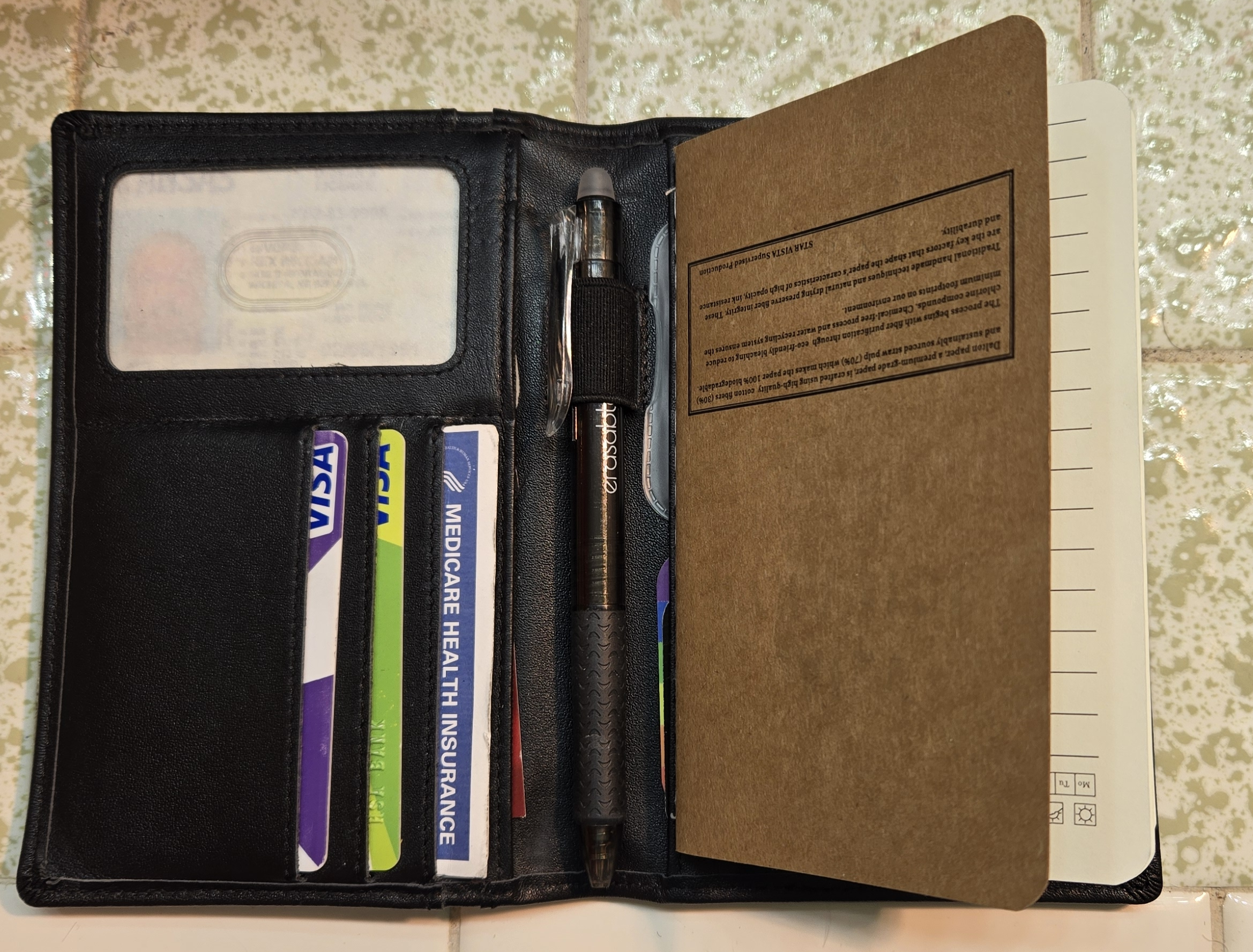
Writing with the pen refill was difficult, and I really wanted to write with a regular pen. So I bought a field notes wallet. It holds a 3.5 by 5.5 inch notebook refill, has a window for my driver's license, slots for my credit cards, and most importantly, a pen holder. Now I can truly write whenever I want to, because when I am not at home, I always have my wallet with me. I can take pictures of the pages with my cell phone and import it into Google Keep no matter where I am as long as my cell phone has a connection.
I looked into getting a cell phone with a stylus so I could write directly into the Keep app. I tried a couple of Samsung phones that have a stylus, and one that fits in my pocket is just too small to do decent handwriting on. I had to write fairly large for the recognition to work, and then I had to scroll up and down a lot to see what I had written. The technology is not there yet at a price i can afford.
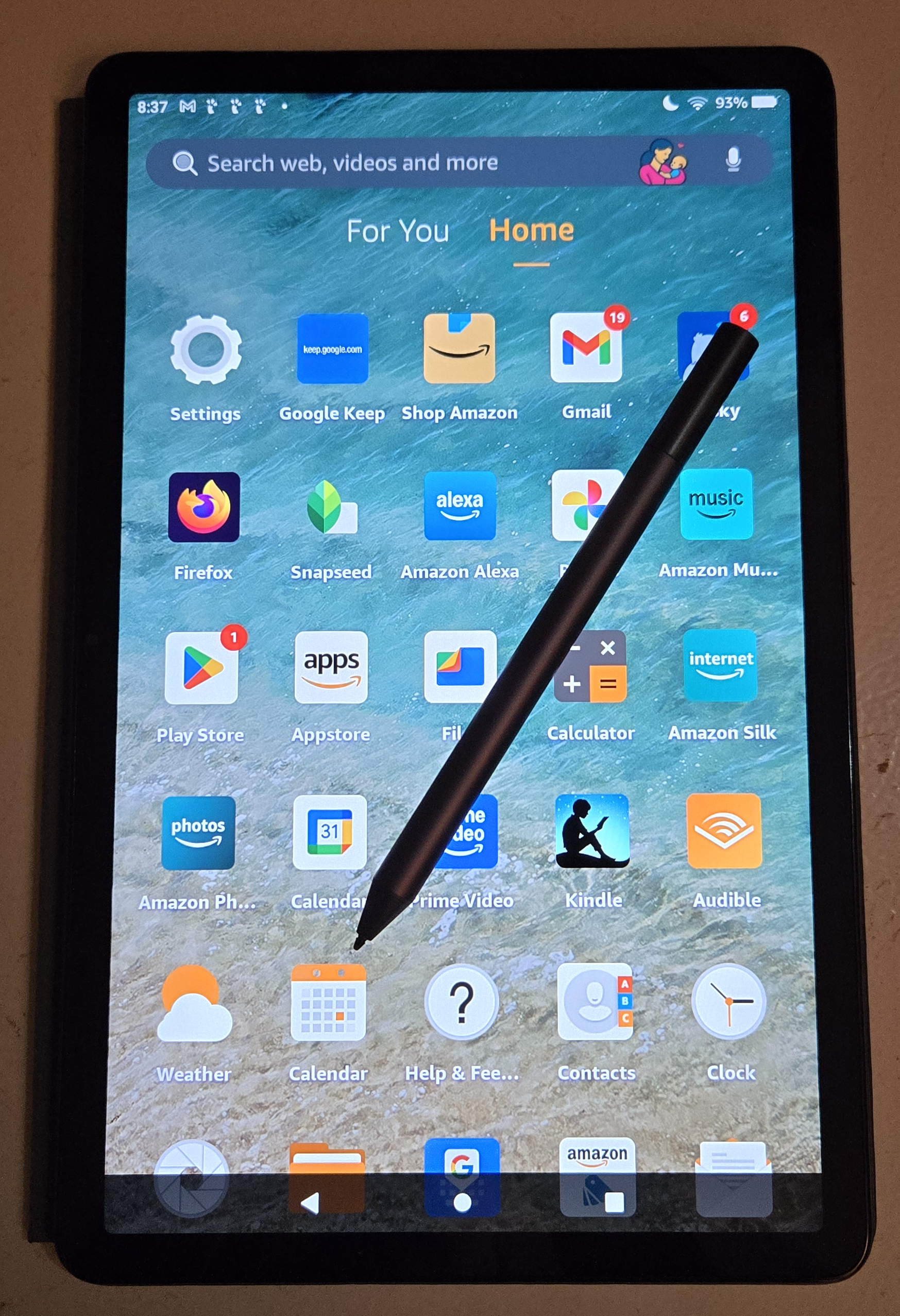
I did find, however, that the 11-inch tablet I have, which came with a USI stylus, is the perfect size for handwriting in bed. It is an Android tablet, so there is a native Google Keep app for it, and the app allows me to write on the screen (with palm rejection) to a "drawing" which it can extract text from directly. No picture taking involved. I'm writing more than ever, because I am no longer tied to a keyboard.
Handwriting recognition is far from perfect. Especially when the source is a picture I took on my cell phone. I've been sending it to AI and requesting that the spelling be corrected. Sometimes it points out problems with my grammar too. I've always done the best I can with the tools I have.
I know that Google can use my data to target information and advertising to me. There is truly no such thing as a free lunch. I think I've seen some evidence that they are recommending YouTube videos based on my notes. I'm okay with that, as long as the videos are relevant to me. I use ad blockers on all my internet browsers.
Google also has a habit of retiring things that I use. Google Reader, Chromecast, Google Plus and Google Podcasts are all things I relied on that I no longer have available to me. Mark my words, Google Keep will be next. When that happens, I will have to adapt.